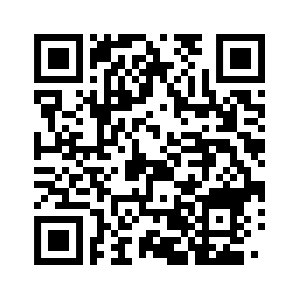
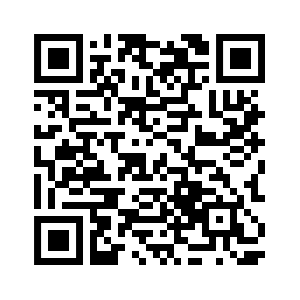
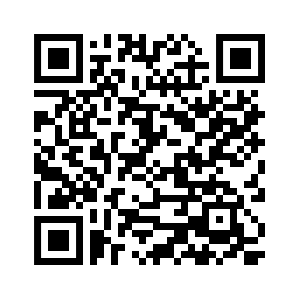
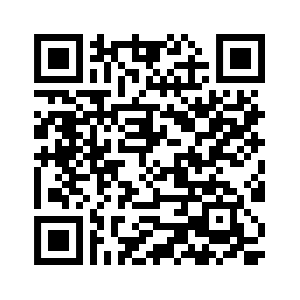
🟠 Scan the QR code to download the app. 🟠 Select the “Sign Up” option. 🟠 Enter your enrollment number and click “Next”. 🟠 Verify using the OTP sent to your Auro University email. 🟠 Log in with your ERP credentials.
Staff guidelines
🟠 Scan the QR code to download the app. 🟠 Select the “Sign Up” option. 🟠 Enter your complete Employee ID, including the hyphen (-), as shown on HRM. 🟠 Verify your account using the OTP sent to your Auro University email. 🟠 Log in with your ERP credentials.